How Do I Search for Jobs on Tesha?
Tesha does not have a public job board to browse. Approved providers get matched with nearby clients and receive job offers on WhatsApp.
On this page
You’re ready to work. Maybe you clean houses in Avondale, help with laundry in Kumalo, or do deep cleans after tenants move out. So you open WhatsApp thinking you’ll search a list of jobs like classifieds. Fair question. But that’s not how Tesha works. On Tesha, you don’t hunt through posts. Once you’re approved as a provider, nearby clients can find you, and job offers are sent to you on WhatsApp.
📱 First things first: there’s no job board to browse
If you’re asking how to search for jobs on Tesha, the most honest answer is this: you don’t search through a public list of jobs yourself. Tesha runs entirely on WhatsApp. There’s no app to download, and there’s no customer web app where you scroll vacancies.
Instead, you start by messaging the Tesha WhatsApp number and choosing "I want to earn". From there, you register as a provider. Once the Tesha team verifies your details and approves you, clients in your area can find you when they need help. When a job matches your city, area, and service, Tesha sends you the offer on WhatsApp.
So the real goal is not learning how to browse jobs. It’s learning how to get visible for the right jobs, respond fast, and keep your account ready to accept work.
- You join on WhatsApp, not on an app or website
- Choose "I want to earn" to register as a provider
- Clients search for providers near them
- Matching job offers are sent to you on WhatsApp
🧾 How to start getting jobs on Tesha
Registration is free. Tesha will ask for your name, National ID, city, areas you cover, and the services you offer. If you do cleaning, be specific about the kind of cleaning you actually want to do and can handle well. A provider who says only "cleaning" may get fewer suitable matches than someone who clearly covers household cleaning, move-in or move-out cleaning, laundry help, or general home cleaning.
After you register, the Tesha team verifies providers. That usually takes a few hours, and can take up to 24 hours. This part is important because clients are shown verified providers. Until you’re approved, you won’t be in line for bookings.
Think of setup as your shopfront. If you’re in Harare, mention the areas you can realistically reach, like Borrowdale, Marlborough, Waterfalls, or the CBD. If you’re in Bulawayo, maybe it’s Hillside, Nkulumane, Famona, or Burnside. Don’t claim the whole city if kombis, fuel, or time make that impossible by 8am on a rainy day.
- Registration is free
- You’ll provide your name, National ID, city, areas covered, and services offered
- Provider verification usually takes a few hours, up to 24 hours
- Only approved providers can receive client bookings
🔎 So how do jobs actually reach you?
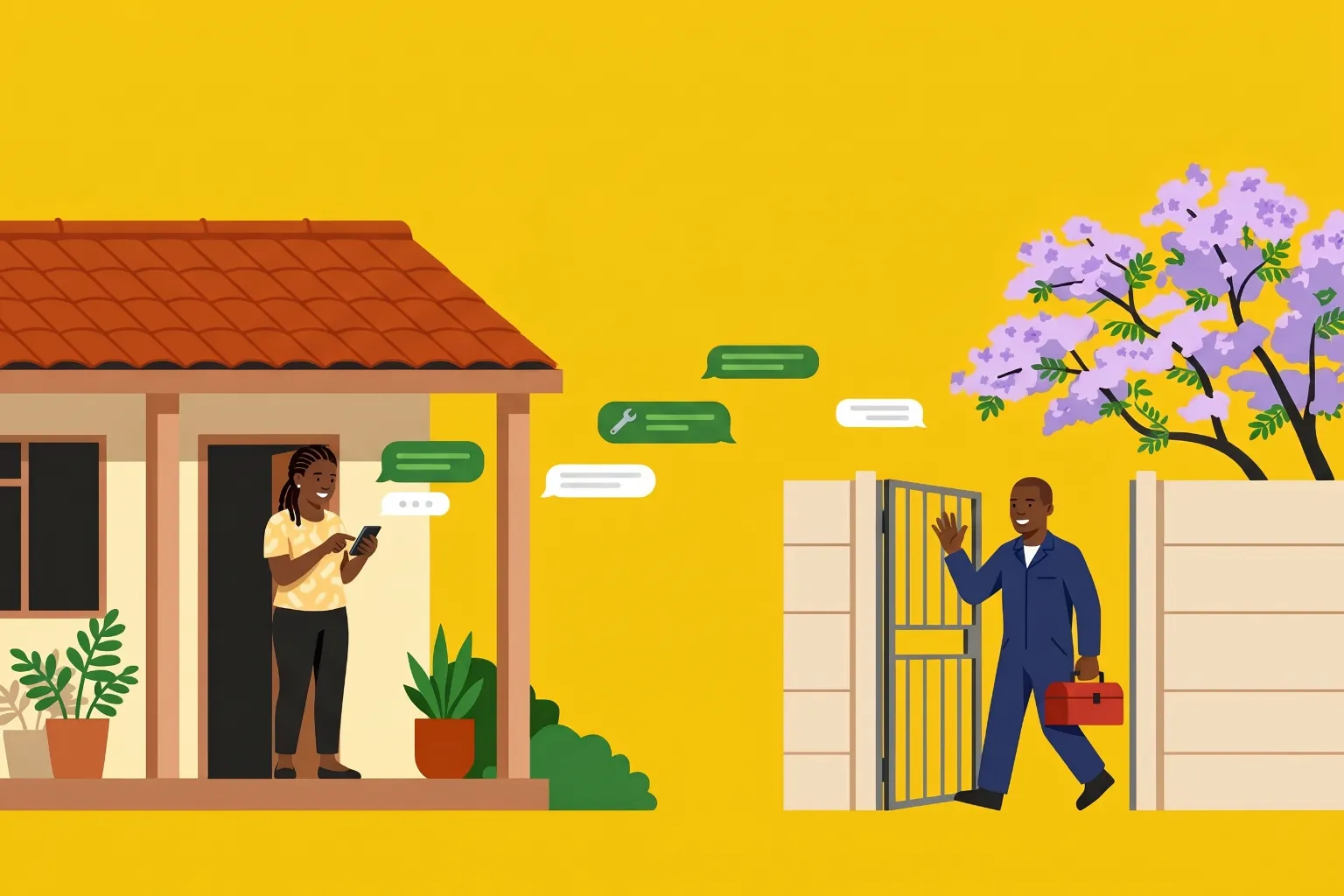
A client messages Tesha on WhatsApp, chooses "I want to hire", and describes what they need, where they are, and when they need the job done. Tesha then shows them verified providers nearby, with ratings and reviews. If the client picks you, you receive that job offer on WhatsApp.
You then have 30 minutes to Accept or Decline. If you accept, Tesha deducts 10 credits at that moment. Not when the offer arrives. Not after the job is completed. On acceptance. Once accepted, you and the client receive each other’s name and phone number and arrange the job directly.
If you don’t accept in time, or you decline, the client doesn’t need to start over. Tesha automatically dispatches the request to another provider, up to 3 providers in total. That means speed matters. If your phone is always off, your data is finished, or you only check WhatsApp once in the evening, you may miss work without even realising it. Annoying, yes. But very fixable.
- Clients choose from verified nearby providers
- You get 30 minutes to Accept or Decline a job
- A job costs 10 credits only when you accept it
- After acceptance, you and the client arrange the job directly
- If you don’t accept, Tesha can send the job to another provider
💵 What it costs to accept jobs
Joining Tesha is free, and new providers start with 100 free credits. Since each accepted job costs 10 credits, that gives you about 10 jobs before you need to top up. Tesha does not take commission from what the client pays you. You agree your price directly with the client, and the client pays you directly.
When your free credits run low, you can top up using EcoCash or InnBucks. The rate is 1 USD for 20 credits, with a minimum top-up of 2 USD. Since a job costs 10 credits, that works out to roughly 50 US cents per accepted job. Purchased credits never expire.
Your credit balance also affects your account status. Above 20 credits, you’re Active. Between 1 and 20, you’re Low, which is basically your warning light. At 0, your status is Depleted and you can’t accept new jobs until you top up. Credits are refunded if a booking is cancelled.
- New providers get 100 free credits
- Each accepted job costs 10 credits
- 1 USD = 20 credits
- Minimum top-up is 2 USD
- Top-ups are paid by EcoCash or InnBucks
- Purchased credits never expire
- Credits are refunded if a booking is cancelled
🧹 How to get more cleaning jobs on Tesha
Because clients choose from verified providers near them, your best strategy is to be easy to pick and easy to reach. Cover areas you can genuinely serve. Keep your phone on. Reply within the 30-minute window. And do good work so clients leave strong ratings and reviews after the job.
For cleaning providers especially, clarity helps. If you do regular household cleaning, say that. If you’re strong on deep cleaning, post-construction clean-ups, laundry help, ironing, or office cleaning, include those services when you register. Clients often know exactly what kind of help they need. The closer your listed services match the real job, the better your chances.
It also helps to think like a local. End-of-month move-outs, pre-Christmas clean-ups, back-to-school chaos, and the dusty dry season can all affect demand. If you’re available for weekend jobs or short-notice work, be ready. Sometimes the difference between getting booked and getting skipped is simply answering before someone else does.
- List the cleaning services you actually offer
- Choose service areas you can realistically reach
- Keep enough credits on your account to accept jobs
- Respond quickly to offers within 30 minutes
- Aim for good ratings and reviews after each job
Frequently asked questions
No. Tesha does not have a public job board to browse. It works on WhatsApp. Once you’re registered and approved as a provider, matching job offers are sent to you when clients in your area choose your service.
Message the Tesha WhatsApp number and choose "I want to earn". You’ll register with your name, National ID, city, areas covered, and services offered. Tesha then verifies your details, usually within a few hours and up to 24 hours.
Credits are deducted only when you accept a job. Tesha does not deduct credits when a job offer first arrives, and not after the job is completed. Each accepted job costs 10 credits.
Tesha takes no commission from what the client pays you. You and the client agree the price directly, and the client pays you directly. Tesha never handles the money for the job.
You have 30 minutes to accept or decline. If you don’t accept, Tesha can automatically send the booking to another provider, up to 3 providers in total. If you want more jobs, it helps to keep your phone on, your WhatsApp active, and your credits topped up.