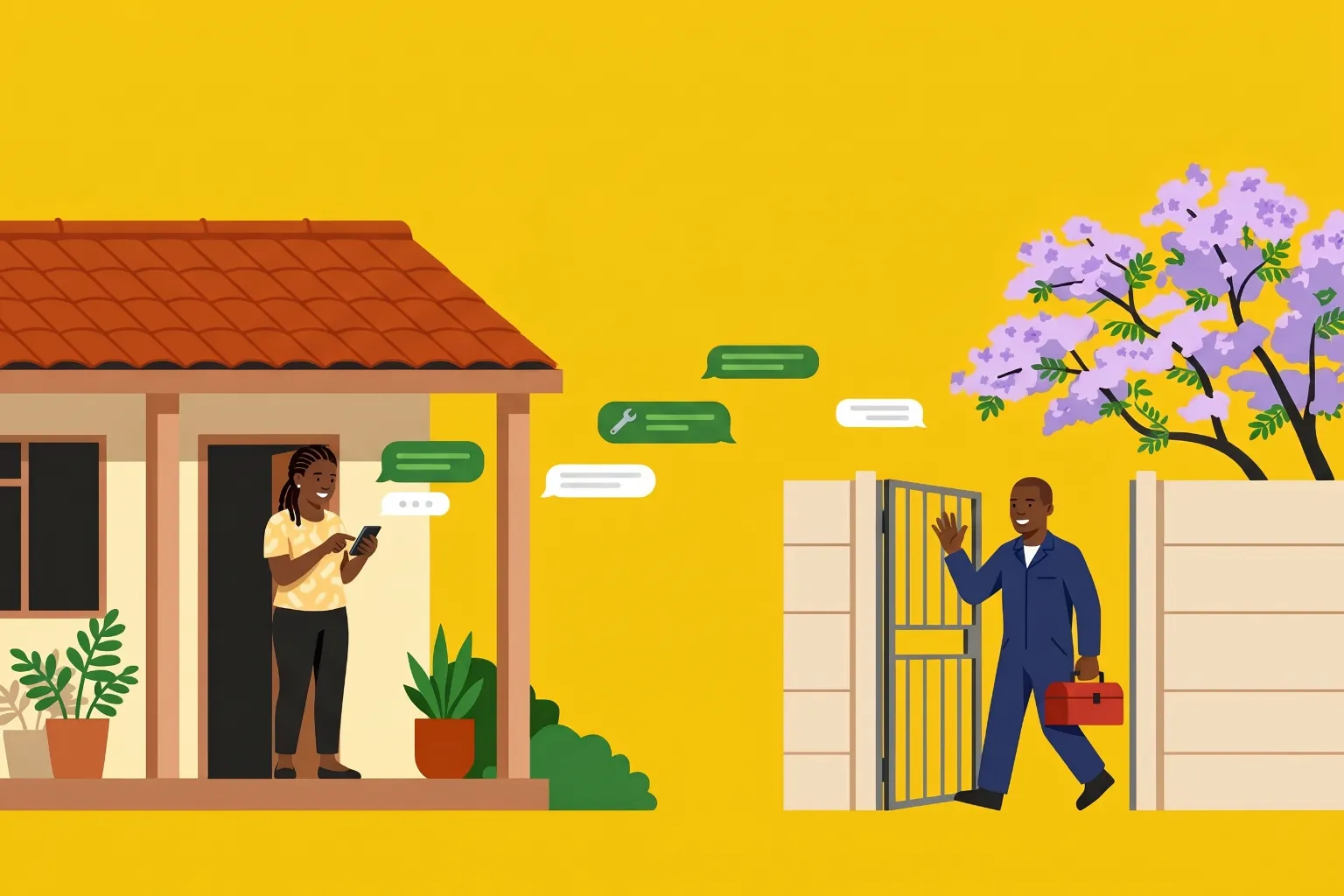
How can I register as a service provider on Tesha?
Want to earn on Tesha? Here’s how provider registration works on WhatsApp, what details you need, and what happens after approval.
On this page
You’ve got the skills. Maybe you’re good at plumbing, house cleaning, moving furniture, running errands, or fixing the little things that stop a home from working properly. The annoying part is not the work itself. It’s finding the next customer without spending your whole day posting in WhatsApp groups and hoping someone replies. If you want to register as a service provider on Tesha, here’s the straight answer: it’s free to join, it happens on WhatsApp, and the setup is simple if you have your details ready.
📱 Registration happens on WhatsApp, not an app
Tesha runs entirely on WhatsApp. There’s no app to download, no customer web app, and no email sign-up process to wrestle with. To get started, you message the Tesha WhatsApp number and choose “I want to earn”.
From there, Tesha guides you through provider registration step by step. It’s designed to be simple, especially if you’re already using WhatsApp every day for customers, family, suppliers, and the occasional “please send location” message. If you can send a WhatsApp message, you can start your registration.
- Message the Tesha WhatsApp number
- Choose “I want to earn”
- Follow the prompts and submit your details
- Wait for verification before you can start receiving jobs
🧾 What you need to register as a provider
Tesha asks for a few practical details so they can verify you and match you with nearby clients. You’ll need to provide your name, your National ID, your city, the areas you cover, and the services you offer.
This part matters more than people think. If you just say “I can do anything”, that’s not very helpful. It’s better to be clear. For example, say you cover Harare and work in Avondale, Borrowdale, Marlborough, Belvedere, and the CBD. Or say you’re in Bulawayo and cover Hillside, Suburbs, Nkulumane, and the city centre. The more accurate your service areas and skills are, the easier it is for Tesha to show your profile to the right clients.
- Your full name
- Your National ID
- Your city
- The areas or suburbs you cover
- The services you offer
✅ How verification works and how long it takes
After you submit your details, the Tesha team verifies you. Providers are verified; clients are not. That’s an important part of how the platform works, because clients are choosing from verified providers near them, with ratings and reviews.
Verification usually takes a few hours, but it can take up to 24 hours. So if you register in the morning, you may be approved the same day. If you register late in the day, give it a bit of time. Yes, waiting is annoying. But it’s better than a free-for-all where nobody knows who they’re hiring.
Once you’re approved, nearby clients can find and book you through Tesha.
- Verification usually takes a few hours
- It can take up to 24 hours
- Only approved providers can receive bookings
💼 What happens after you’re approved
Once your registration is approved, Tesha can start sending you job offers from nearby clients. When a client describes what they need, where they are, and when they need the job done, Tesha shows them verified providers nearby. If the client picks you, you receive a job offer on WhatsApp.
You then have 30 minutes to Accept or Decline. If you accept, Tesha deducts the job credits at that moment, not after the job is finished and not when the offer first arrives. After acceptance, you and the client get each other’s name and phone number and arrange the job directly.
If you decline, or if you don’t respond within the 30-minute window, Tesha moves on and dispatches the booking to another provider. It can do this for up to 3 providers in total, and the client doesn’t need to keep chasing the system.
- You get 30 minutes to Accept or Decline a job
- Credits are deducted only when you Accept
- After acceptance, you and the client arrange the job directly
- If you don’t accept, Tesha can send the job to another provider
💵 What it costs providers and how credits work
Joining Tesha as a provider is free. When you’re approved, you start with 100 free credits. Each accepted job costs 10 credits, so those free credits cover about 10 jobs.
After that, you top up in USD using EcoCash or InnBucks. The rate is 1 USD for 20 credits, and the minimum top-up is 2 USD. Since each job costs 10 credits, that works out to about 50 US cents per accepted job. Purchased credits never expire.
Tesha does not take commission from what the client pays you. The client pays you directly, at a price the two of you agree. Tesha never handles the money for the job and takes no cut from your payment. Also worth knowing: if a booking is cancelled, the credits are refunded.
- Free to join
- 100 free credits when you start
- 10 credits per accepted job
- 1 USD = 20 credits
- Minimum top-up: 2 USD
- Top up via EcoCash or InnBucks
- Purchased credits never expire
- No commission is taken from your job payment
📍 Tips to register properly and get better job matches
If you want registration to go smoothly, be specific and honest. List the actual services you do well. Choose the real areas you can reach without drama. If you’re in Harare South, don’t claim you can be in Borrowdale in 15 minutes during month-end traffic. Nobody needs that kind of optimism.
It also helps to think about availability and transport before you start accepting jobs. Tesha makes introductions, but once you accept, you and the client arrange the work directly. So only accept jobs you can realistically do, in the area you actually cover, at a price you’re comfortable with.
Finally, keep an eye on your credit balance. If you have more than 20 credits, your status is Active. If you have 1 to 20 credits, your status is Low, which is basically your warning to top up soon. At 0 credits, your status is Depleted and you won’t be able to accept new jobs until you top up.
- Be clear about your services
- List suburbs and areas you truly cover
- Only accept jobs you can actually do
- Watch your credit balance so you don’t run out
- Active: above 20 credits
- Low: 1 to 20 credits
- Depleted: 0 credits
Frequently asked questions
Yes. Registration is free. Once approved, you also get 100 free credits to start. Tesha only deducts credits when you accept a job.
You’ll need to provide your name, National ID, city, the areas you cover, and the services you offer. Registration happens on WhatsApp.
Usually a few hours, though it can take up to 24 hours. You need to be approved before you can start receiving bookings.
The client pays you directly at a price the two of you agree. Tesha does not process the payment and takes no commission from what you earn.
Credits are deducted when you accept a job offer. They are not deducted when the offer first comes in, and not only after the job is completed. If a booking is cancelled, the credits are refunded.